GTA V Balanced settings.xml | Mid End Settings
⬇ Download on Nexus ModsPreview
About This Mod
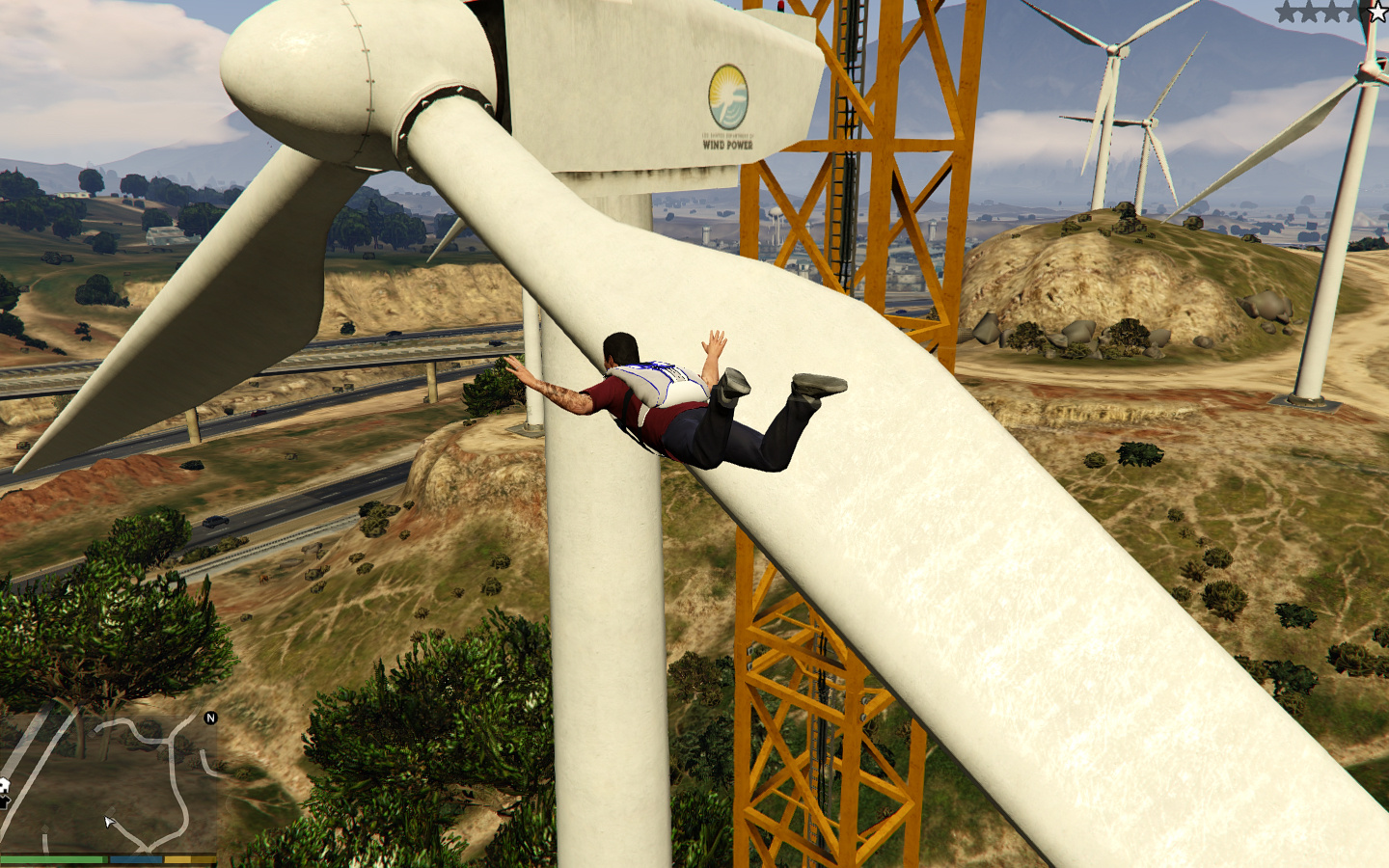
Description Comments (19) Before I had around 20 Fps normal settings. Now I'm getting 36 Avg. Stuttering is also gone. READ EVERYTHING, CAUSE EVERYTHING IS IMPORTANT :P Tip: To remove all jagged lines, change the resolution from 1400x900 to 1650x900 in settings.xml. Just ctrl+f and edit it. Note: I advise using K-putt's latest sweetfx because it makes the game sexier and you lose half or 1 fps ;)..it also gets rid of any slight jagged lines. This will remove all jagged lines you see in the video. Oh and for the settings.xml, put it in C:\Users\%username%\Documents\Rockstar Games\GTA V and make it read only. Optional (not my mod/s) Use to get more fps I advise using the remove grass mod, it helps with fps also, or if you don't want to remove grass download the lower quality grass. Lower quality will carry up fps a little, while removing will carry it up more than the lower quality grass. Lower quality Grass: The remove grass mod is included in my .rar file, not sure who its made by. Comment if you know.
Mod Details
- Game
- GTA V
- Author
- ShadowKnight313
- Version
- 1.0
- Downloads
- 114,627
- Endorsements
- 0
- Category
- misc
- Last Updated
- N/A
How to Install GTA V Mods
Script Hook V + OpenIV/CodeWalker. Never mod GTA Online.
Visit the Nexus Mods page for specific installation instructions for this mod.
⭐ Rate & Review
FAQ
Is GTA V Balanced settings.xml | Mid End Settings safe to download?
Linked from Nexus Mods which scans all files for viruses. Always download from the official source.
Does this mod work with the latest game update?
Last updated recently. Check the official download page for version compatibility.
Where can I learn more about GTA V modding?
Check our complete GTA V modding tools guide for step-by-step setup instructions.