LS Drift (+Controller Support)
⬇ Download on Nexus ModsPreview
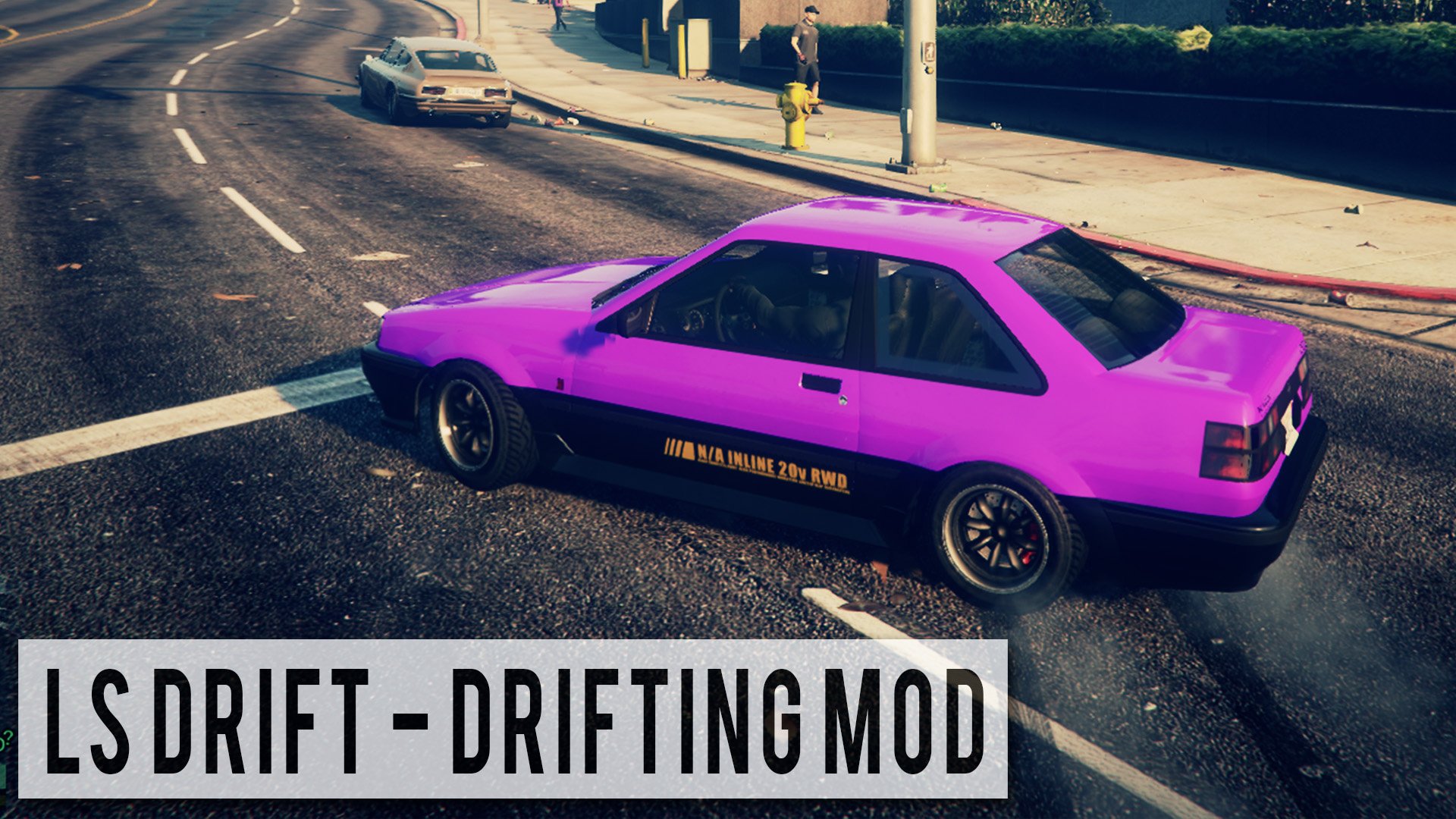
About This Mod
Description: This is my first ever script mod. LS Drift is a mod menu that allows you to enable “Drift” Handling as well as some other vehicle related functions. When enabling Drift Mode, the player can hold the [SHIFT] key or the Duck key on controller (Usually A) in order to perform a drift. To open the menu press [F3] or [RB + A] and navigate the menu with the numpad or arrow keys. Video Changelog: 1.2 - Added Controller Support - Menu can now be navigated with Numpad or Arrow Keys for Laptop Users 1.1 - Added customizable controls - Removed alarm toggle - Added Teleport to Docks - Reskinned menu - Other small changes 1.0 - First Release Installation: 1. Download ScripthookV.dll here and place it in your GTA V directory. 2. Download LS Drift and place LSDrift.asi and LSDrift.ini in your GTA V directory. 3. When in game press F3 or RB+A to open the menu and navigate the menu with the Numpad or Arrow Keys (Change keys in LSDrift.ini)
Mod Details
- Game
- GTA V
- Author
- NexusAU
- Version
- .
- Downloads
- 379,532
- Endorsements
- 0
- Category
- scripts
- Last Updated
- N/A
How to Install GTA V Mods
Script Hook V + OpenIV/CodeWalker. Never mod GTA Online.
Visit the Nexus Mods page for specific installation instructions for this mod.
⭐ Rate & Review
FAQ
Is LS Drift (+Controller Support) safe to download?
Linked from Nexus Mods which scans all files for viruses. Always download from the official source.
Does this mod work with the latest game update?
Last updated recently. Check the official download page for version compatibility.
Where can I learn more about GTA V modding?
Check our complete GTA V modding tools guide for step-by-step setup instructions.