Reacon's Realistic L.A. Reshade Preset
⬇ Download on Nexus ModsPreview
About This Mod
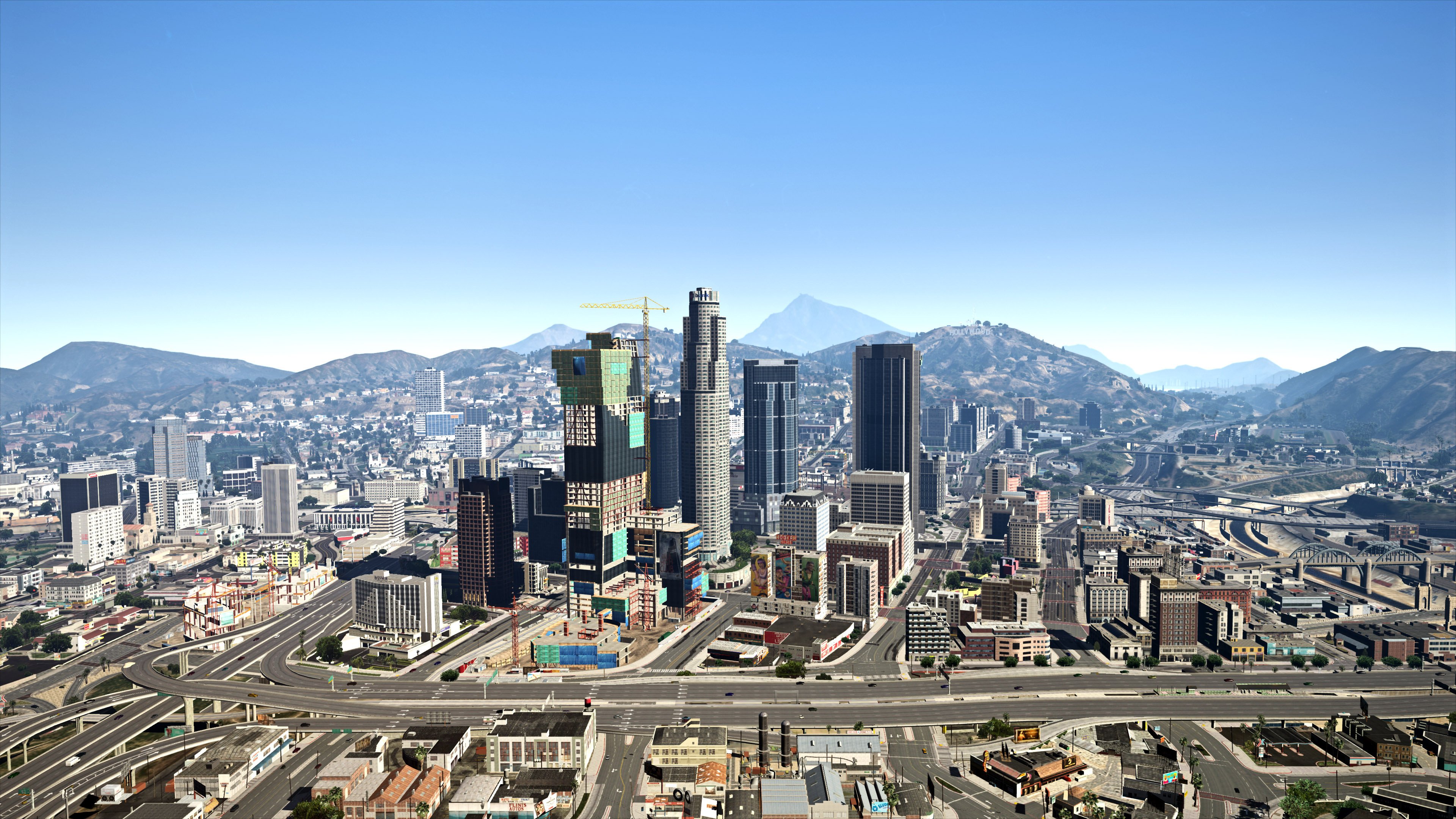
Description Comments (144) Expanding on my previous reshade preset, i've decided to make a different version. i attempted to make a version that resembles real life L.A. as best as i could, and i feel like this is a pretty decent attempt! hope you all enjoy! NOTE: created while having NVR installed so i highly recommend you install it along with this preset more screenshots: 1.1: fixed the file, appeared as just a file and not an .ini for some reason 1.2: added an optional version for people with Marty McFly's Ray Tracing Shader installed ( A comparison between with and without Ray Tracing can be found here (for some reason the quality has went really bad): 1.3: adjusted some settings to improve the look of the preset 1.4: Edited some effects in the optional RT preset (Screenshot 2 has the effect on), Not needed if you don't have the RT shader by Marty McFly,however includes the normal preset too installation: must have reshade installed(obviously) paste the included .ini file in your main game directory select it in game ** Redistributing of the content included in this upload is strictly prohibited without my expressed permission, and is only intended for gta5-mods.com **
Mod Details
- Game
- GTA V
- Author
- Reacon
- Version
- .
- Downloads
- 133,341
- Endorsements
- 0
- Category
- misc
- Last Updated
- N/A
How to Install GTA V Mods
Script Hook V + OpenIV/CodeWalker. Never mod GTA Online.
Visit the Nexus Mods page for specific installation instructions for this mod.
⭐ Rate & Review
FAQ
Is Reacon's Realistic L.A. Reshade Preset safe to download?
Linked from Nexus Mods which scans all files for viruses. Always download from the official source.
Does this mod work with the latest game update?
Last updated recently. Check the official download page for version compatibility.
Where can I learn more about GTA V modding?
Check our complete GTA V modding tools guide for step-by-step setup instructions.